


Imagine having a reliable copilot guiding you through the busy skies of knowledge work. Microsoft 365 Copilot is an AI assistant built into Microsoft 365 that helps you write, summarize, brainstorm, and automate repetitive tasks — all inside familiar apps like Word, Outlook, Teams, Excel and OneDrive.
Copilot surfaces contextually relevant answers using your organization’s data and Microsoft Graph, helping teams work faster and smarter.
What is Microsoft 365 Copilot?
Microsoft 365 Copilot is an AI assistant that sits inside Microsoft 365 apps and responds to natural-language prompts. It draws on your work content (files, emails, calendar, chats) via Microsoft Graph and combines that with large language models to produce summaries, draft content, meeting notes, data analyses, and task suggestions. Copilot is sold as an add-on for qualifying Microsoft 365 subscriptions.
Key benefits of Copilot for individuals and teams
- Increased productivity:
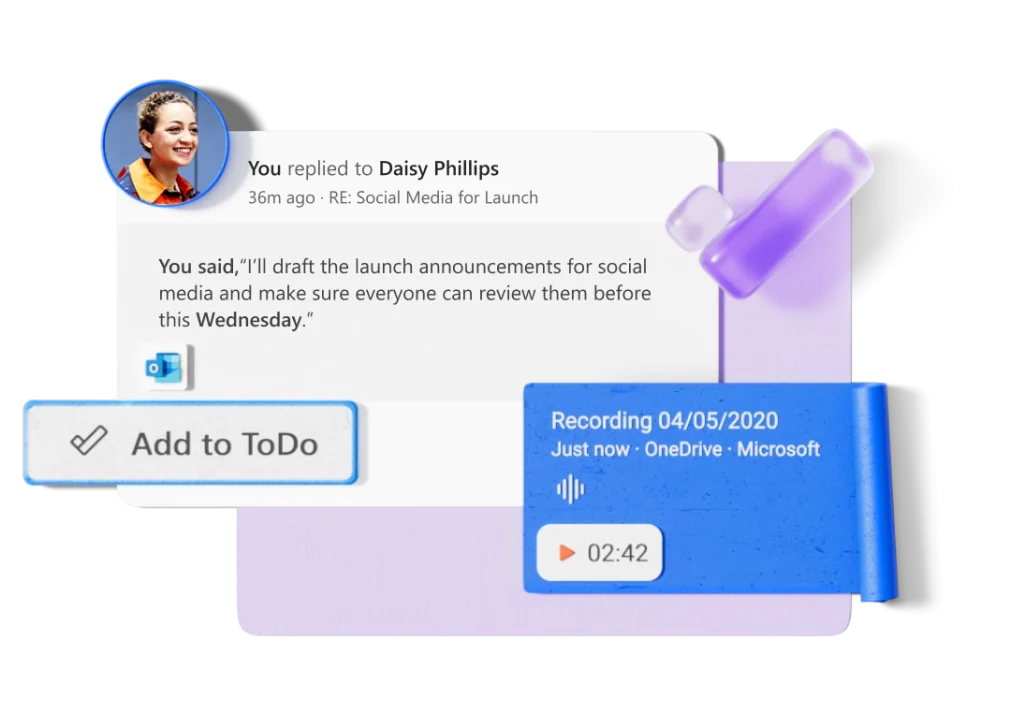
Copilot automates repetitive tasks (formatting, first-draft writing, summarization) so users can focus on higher-value work. It generates meeting summaries, suggested email drafts, and action items that reduce follow-ups and context-switching.
- Improved accuracy:
By combining organizational context with model outputs, Copilot helps produce more accurate, work-relevant responses. It integrates with sensitivity labels and access controls to respect data governance policies.
- Enhanced creativity:
Use Copilot to brainstorm ideas, generate outlines, produce alternative phrasing, or create slide decks from bullet points — many users find it speeds creative workflows.
- Better collaboration:
Copilot works inside Teams, Outlook, and OneDrive: it can summarize conversations, extract action items, and make shared content easier to digest for teammates. This improves cross-team handoffs and reduces meeting fatigue.
Where Copilot appears
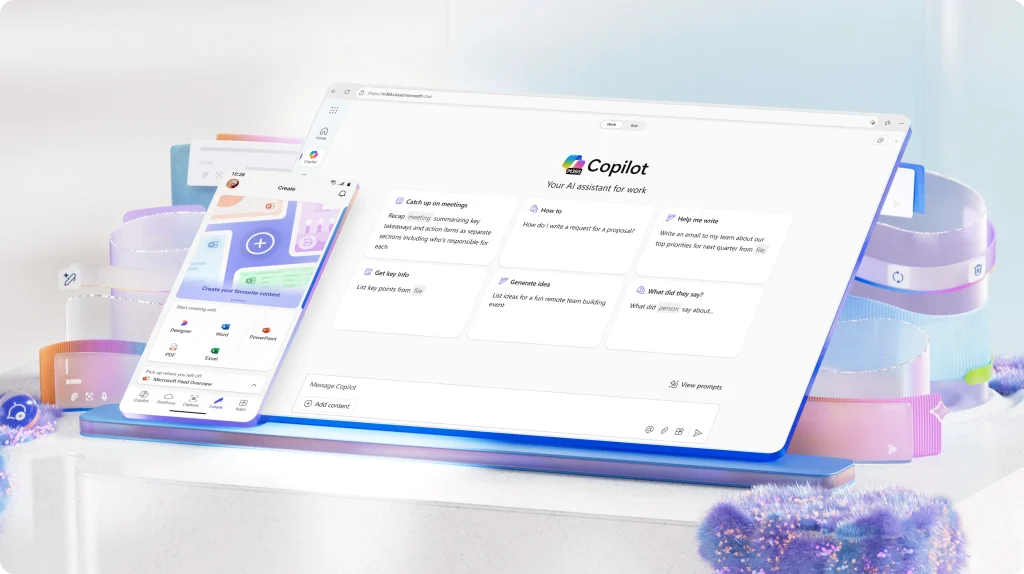
Copilot is embedded across Microsoft 365 — Word, Excel, PowerPoint, Outlook, Teams, OneDrive, and SharePoint — plus Copilot Search and Copilot Studio for custom agents and workflows. It also leverages semantic indexing to improve search relevance across an organization’s content.
Recent & important updates (2024–2025)
- Microsoft continues to expand Copilot capabilities and model choices: Microsoft has added support for multiple vendor models (recently integrating Anthropic models into Copilot flows), giving organizations more options for reasoning and workflows. This is part of Microsoft’s effort to diversify models powering Copilot. (news, Sept 2025).
- Copilot Studio and monthly release notes show continuous updates (new connectors, improved summaries for PDFs/images and better OneDrive integration). Keep an eye on Microsoft’s Copilot release posts for the latest features.
How startups and businesses can use Copilot
- Marketing: generate campaign copy, summarize performance reports, draft creative briefs.
- Sales & Support: summarize customer interactions and extract follow-ups from emails and chats.
- Product & Ops: produce concise meeting notes, translate requirement documents into action lists, and create slide decks from raw notes.
- Finance & Analytics: use Copilot in Excel to get natural-language analyses of datasets and create charts faster.
Quick implementation checklist
- Confirm you have a qualifying Microsoft 365 plan and review Copilot licensing for your region.
- Evaluate data governance — map sensitivity labels, DLP, and role permissions before enabling Copilot.
- Pilot with a single team: measure time-savings, accuracy, and user acceptance.
- Train employees on prompt best practices (clear instructions, context, expected output).
- Monitor usage, cost, and compliance; adjust policies and licensing as adoption grows.
